placeholder icon
introduction
artwork
case studies
socials
contact
gaming
playlist
recycle bin
INTRODUCTION

Meet the Artist!
EscapeWithKitten

selfie

just a kitten crafting dreams & chasing pixels ᓚᘏᗢ⊹ ࣪ ˖

⋆⋅☆⋅⋆

Welcome to my cozy little corner of the internet where art, crafting, gaming, and nostalgic dreams come together!

My name ~ EscapeWithKitten ~ was chosen because art is an escape for me and I love cats! I have two named Annabelle (tuxedo) and Cruz (orange tabby).

You may have noticed that I am fond of the old Windows 98 theme.. I crave the nostalgic feeling of my childhood and hope to bring others that comfort through my work. ♡ Currently I provide custom illustrations, character sheets, and emotes. I'm also building experience in 3D and am willing to take on commissions for 3D models and renders to further build my knowledge in the field.

⋆⋅☆⋅⋆

MOOD

Mood: hungry for Campbell's Chunky Chicken Noodle Soup

⋆⋅☆⋅⋆

INTERESTS

General
art: digital, traditional, & 3D
films: genres - horror, disney
video games: survival, horror, storyboard
other: cats, collecting dolls, photography, dreaming, '70s-'90s

Music
Gorillaz, Pitbull, SOAD, Hanz Zimmer, Boney M, Warmer, the Raconteurs, ICP, Evanescence, Three Days Grace, King Crimson, Enrique Iglesias, t.A.T.u, Kid Cudi, Santana

Movies
Natural Born Killers, Pulp Fiction, Bonnie & Clyde, Buffalo '66, Blade Runner 2049, Turn Me On, But I'm a Cheerleader, Lady & the Tramp, Troll in the Central Park

TV
the Office, Trailer Park Boys, Docter Who, Futurama, Simpsons, MADTV, Beavis & Butthead

Books
Memoirs of a Geisha, Lovely Bones, Toradora, Pet Sematary

Heros
⋆⋅☆⋅⋆

ARTFIGHT & OCS

ArtFight - EscapeWithKitten
Original Characters - ToyHouse
ARTWORK

Illustrations


Apps Used: Procreate, Affinity

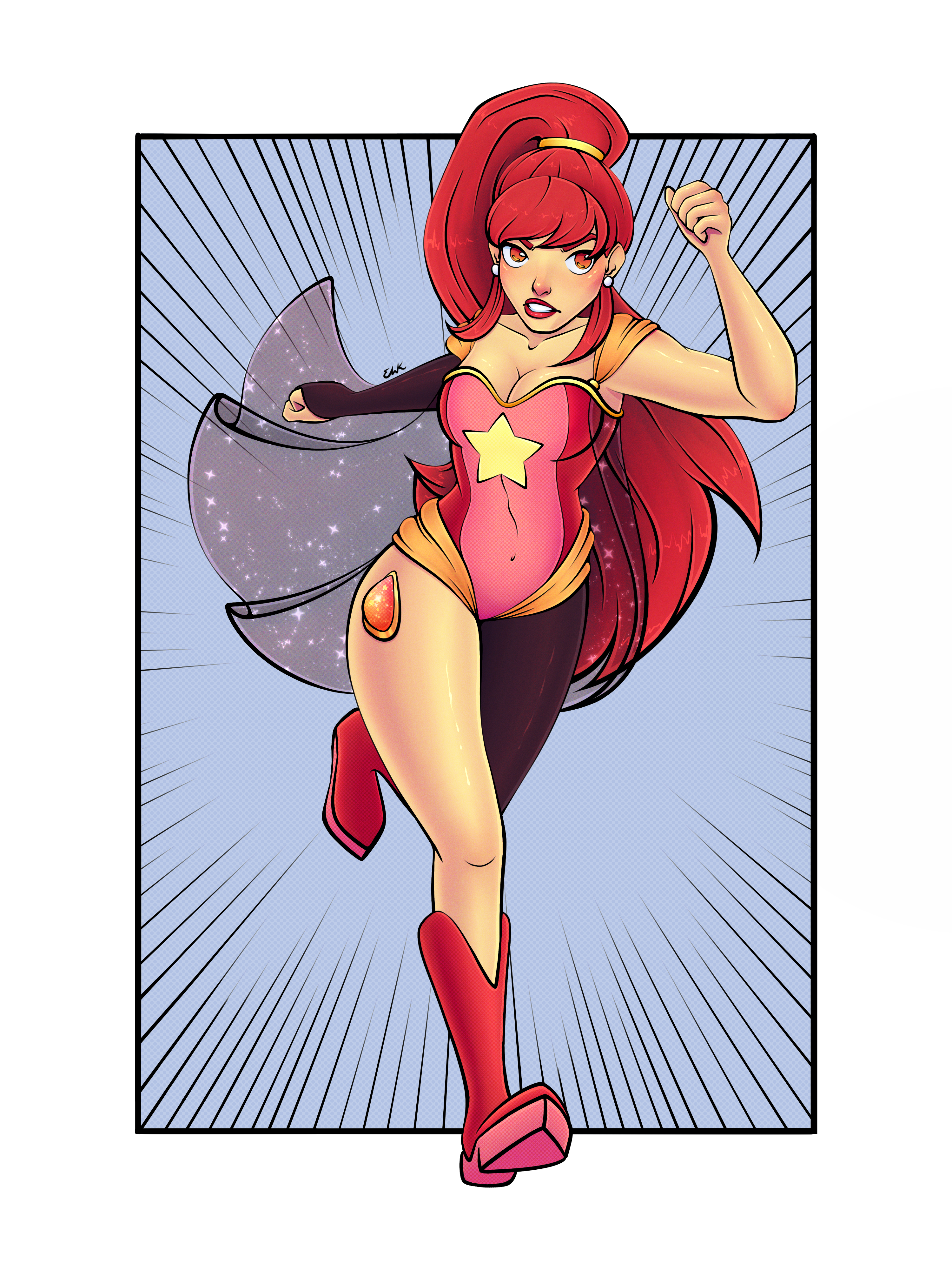
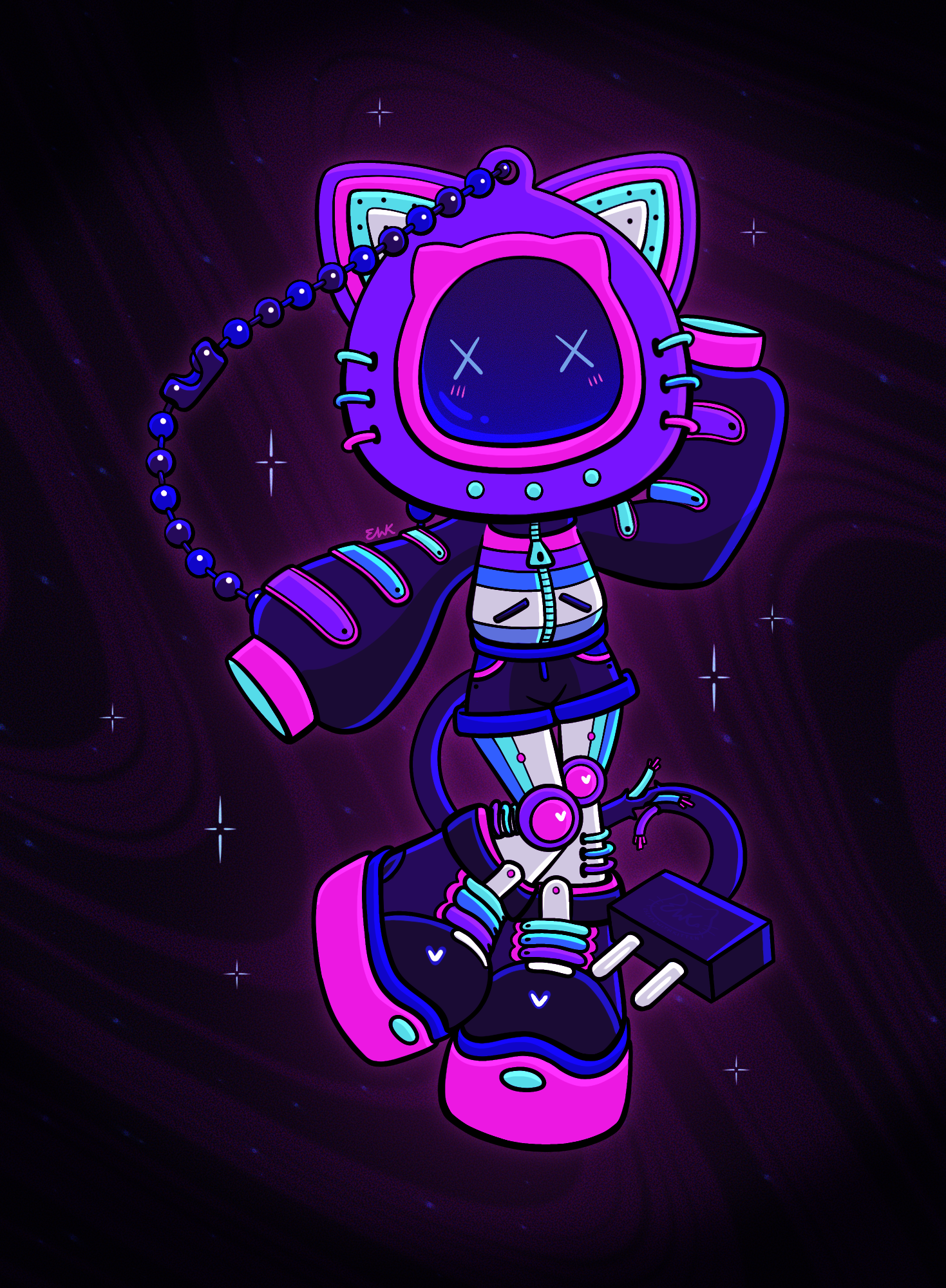
Stylized portraits and illustrations are my specialty, below are some of my recent and favourite work.

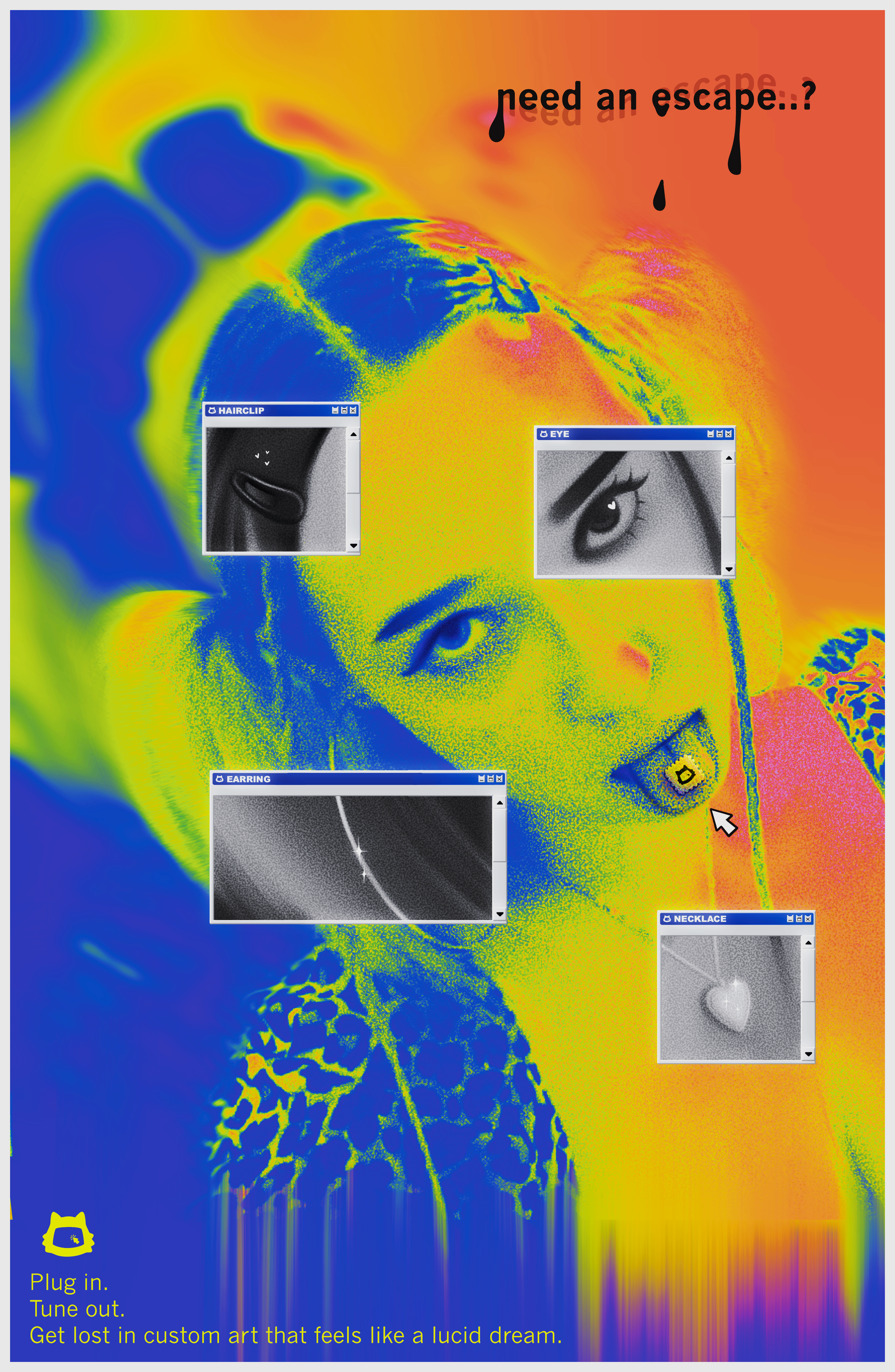
ewk_poster.
ewkcape.
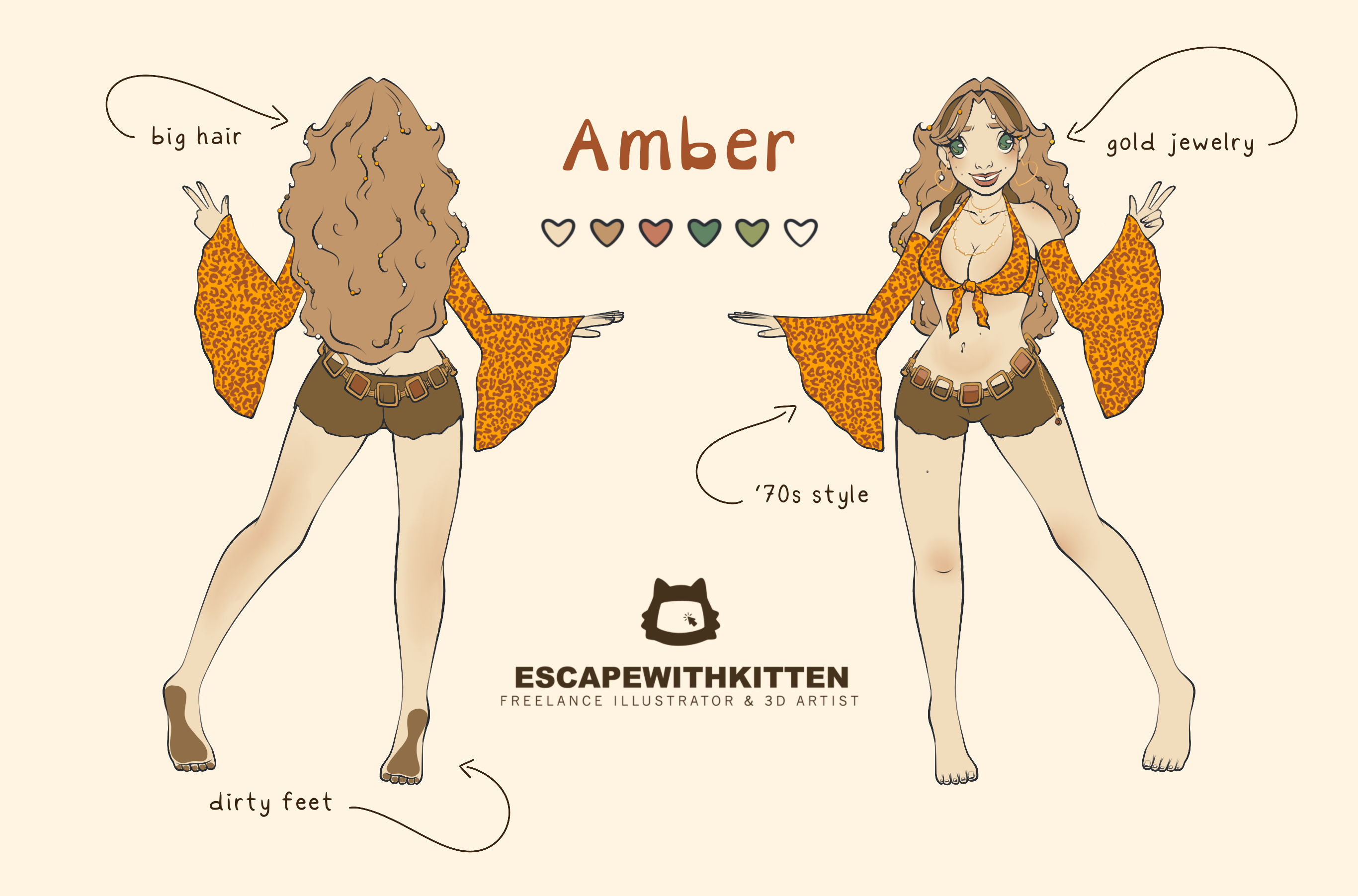
character sheet amber.
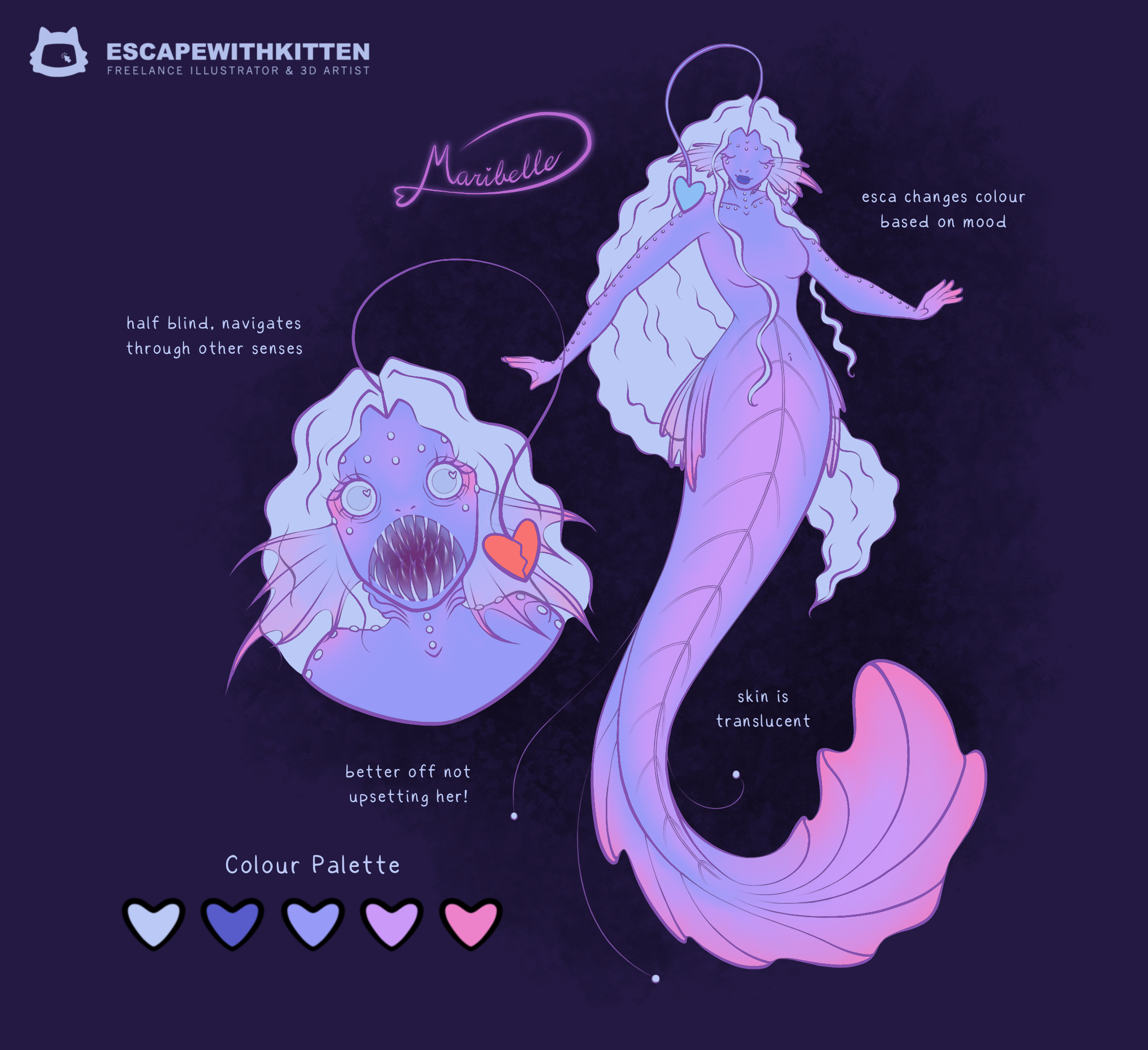
character sheet maribelle.
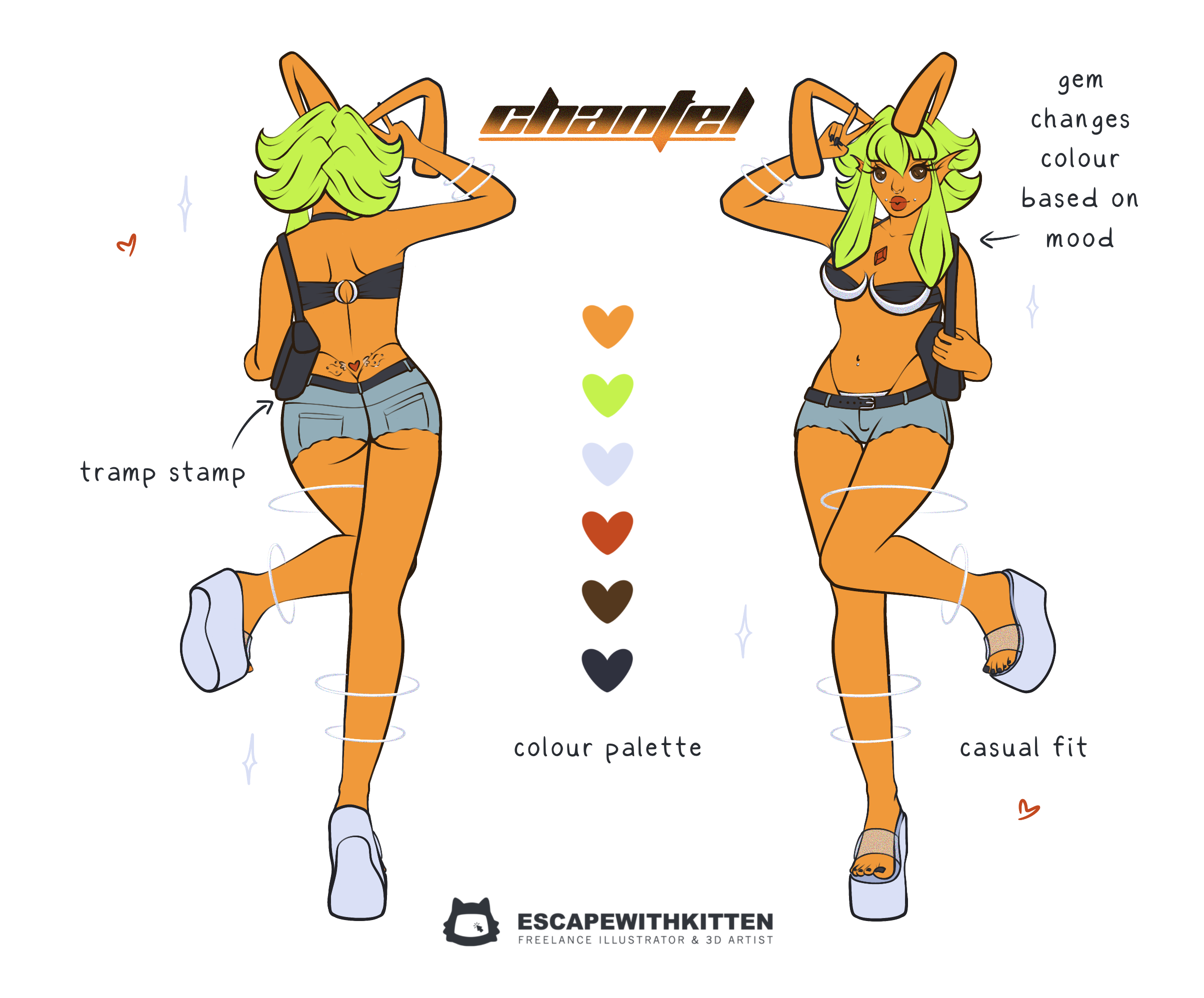
character sheet chantel.
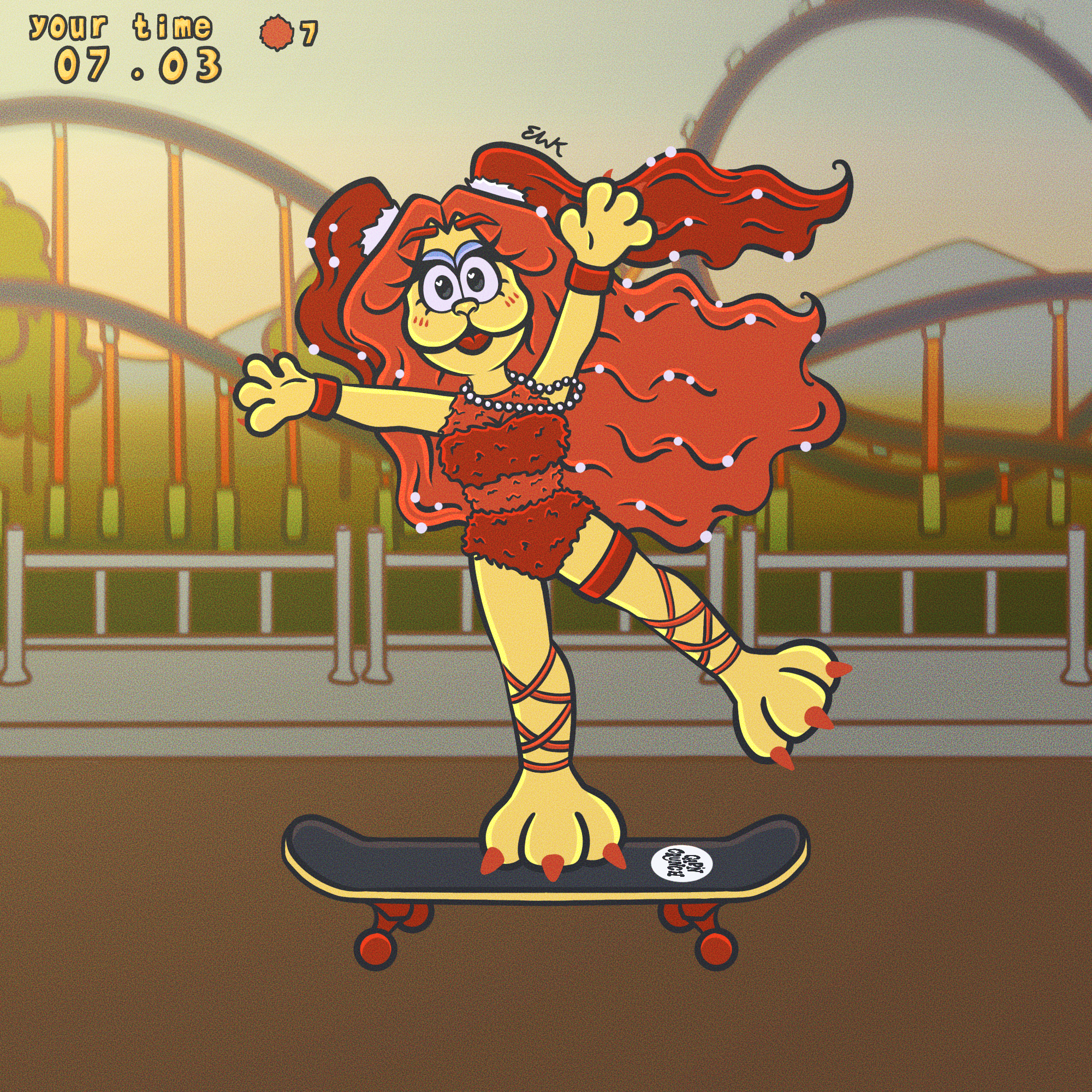
lola crunch.
bananuck.
af KosmicKomet.
af buggleboos.
af Dreampurrz.
af Buttboss.
af rokalilin.

3D Models & Renders


Apps Used: Blender, Substance Painter, Procreate

3D art has become my new passion, I love being able to create characters and items from my childhood.

banana smoothie gif.
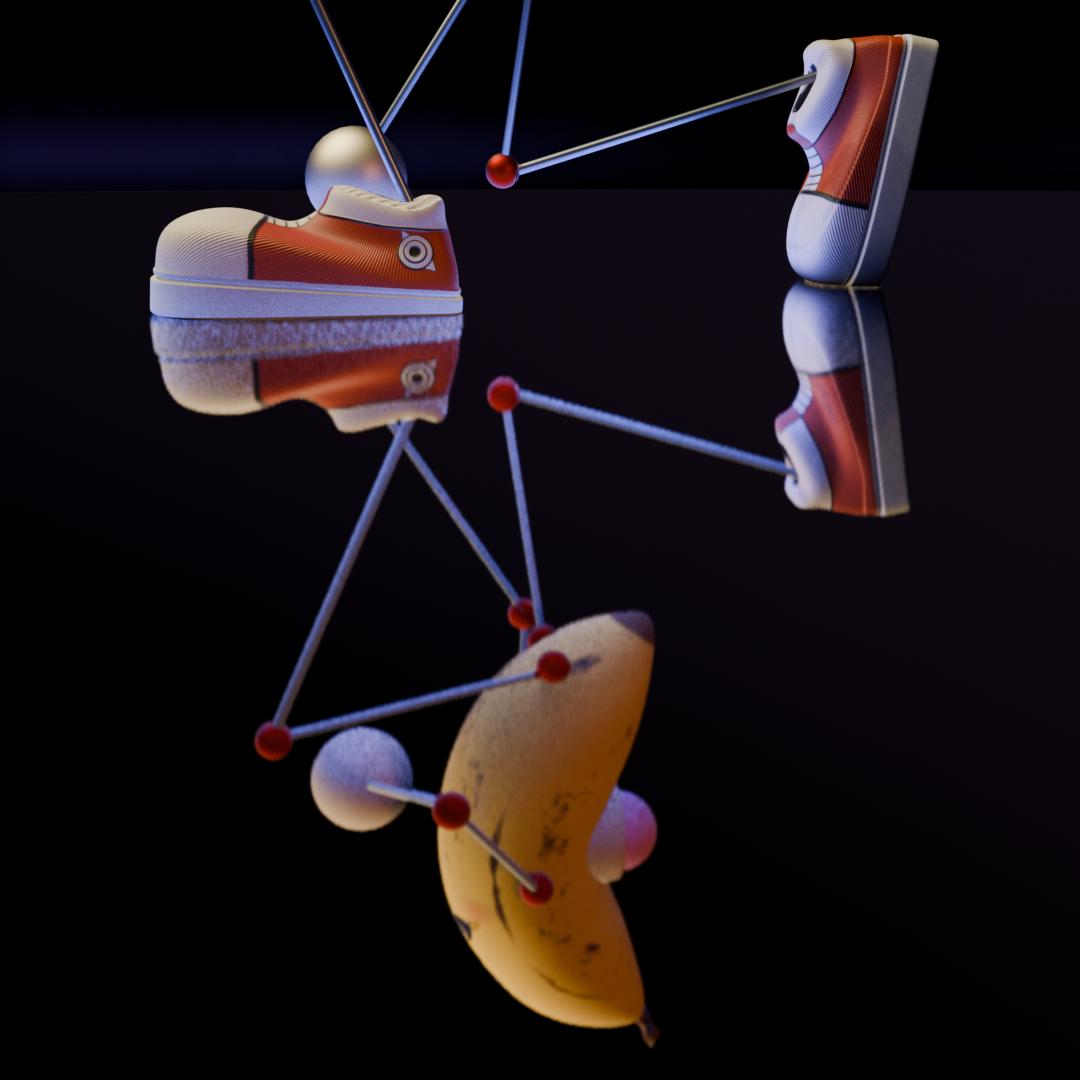
banana smoothie render.
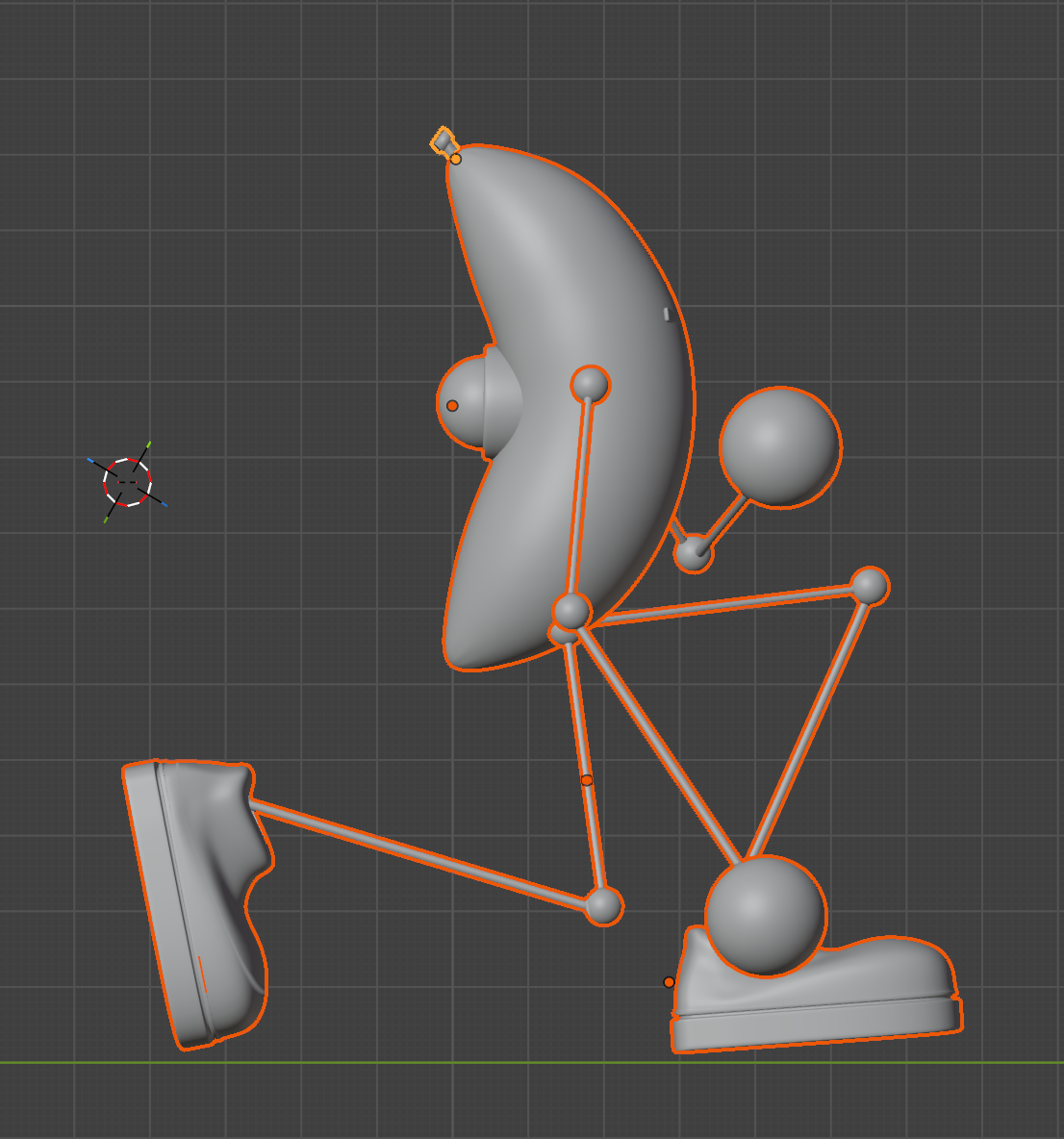
banana smoothie viewport.
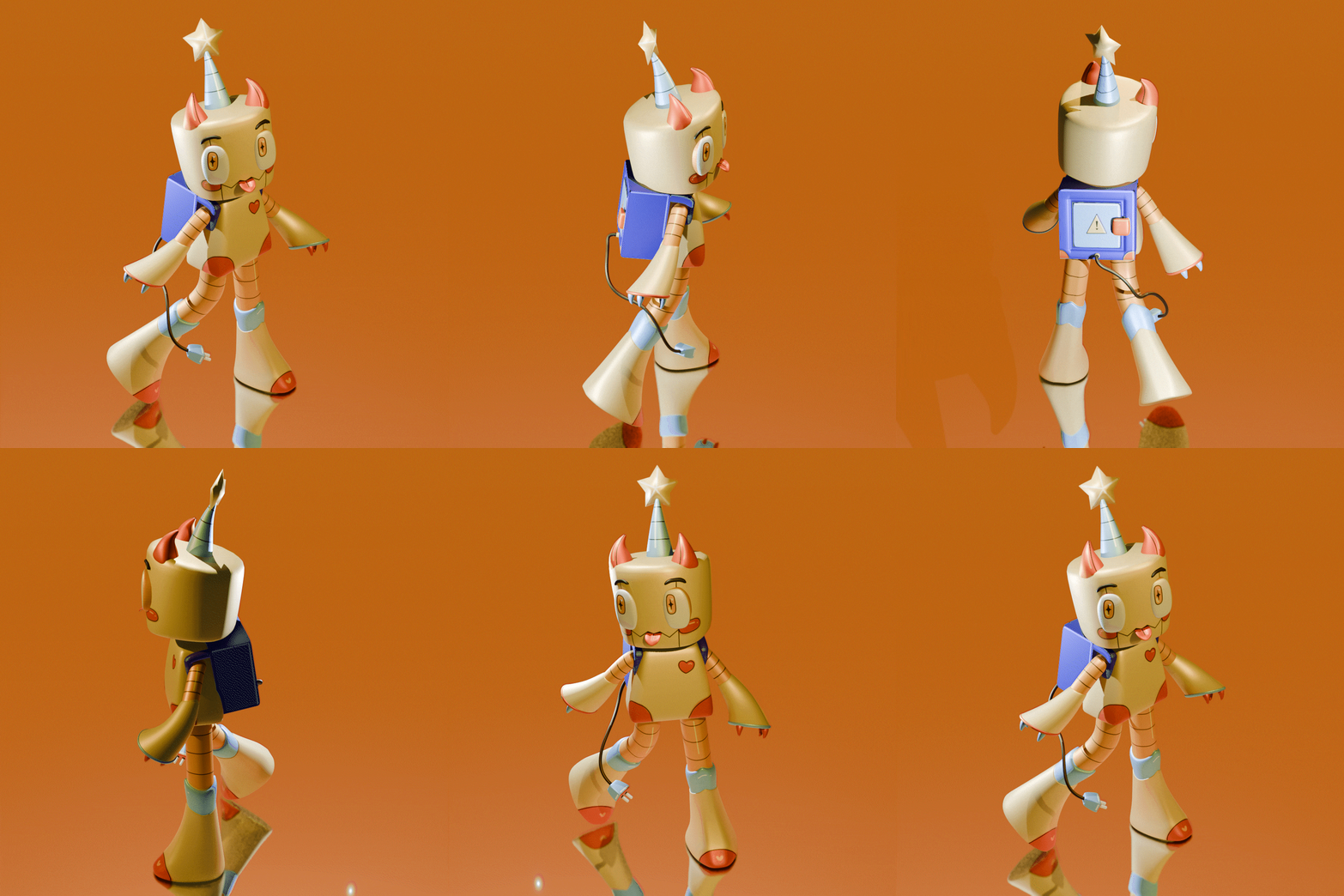
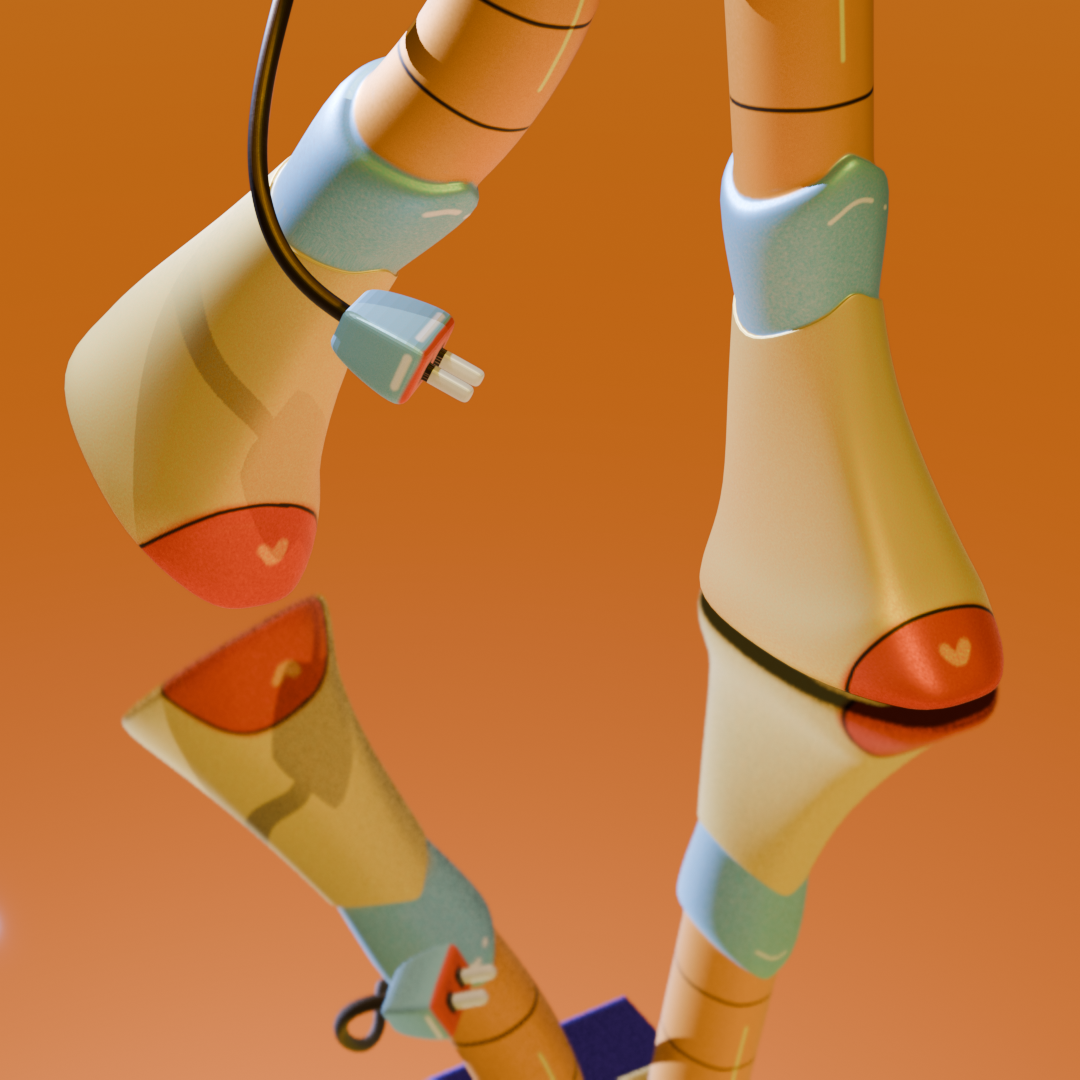
bananamatronic render.
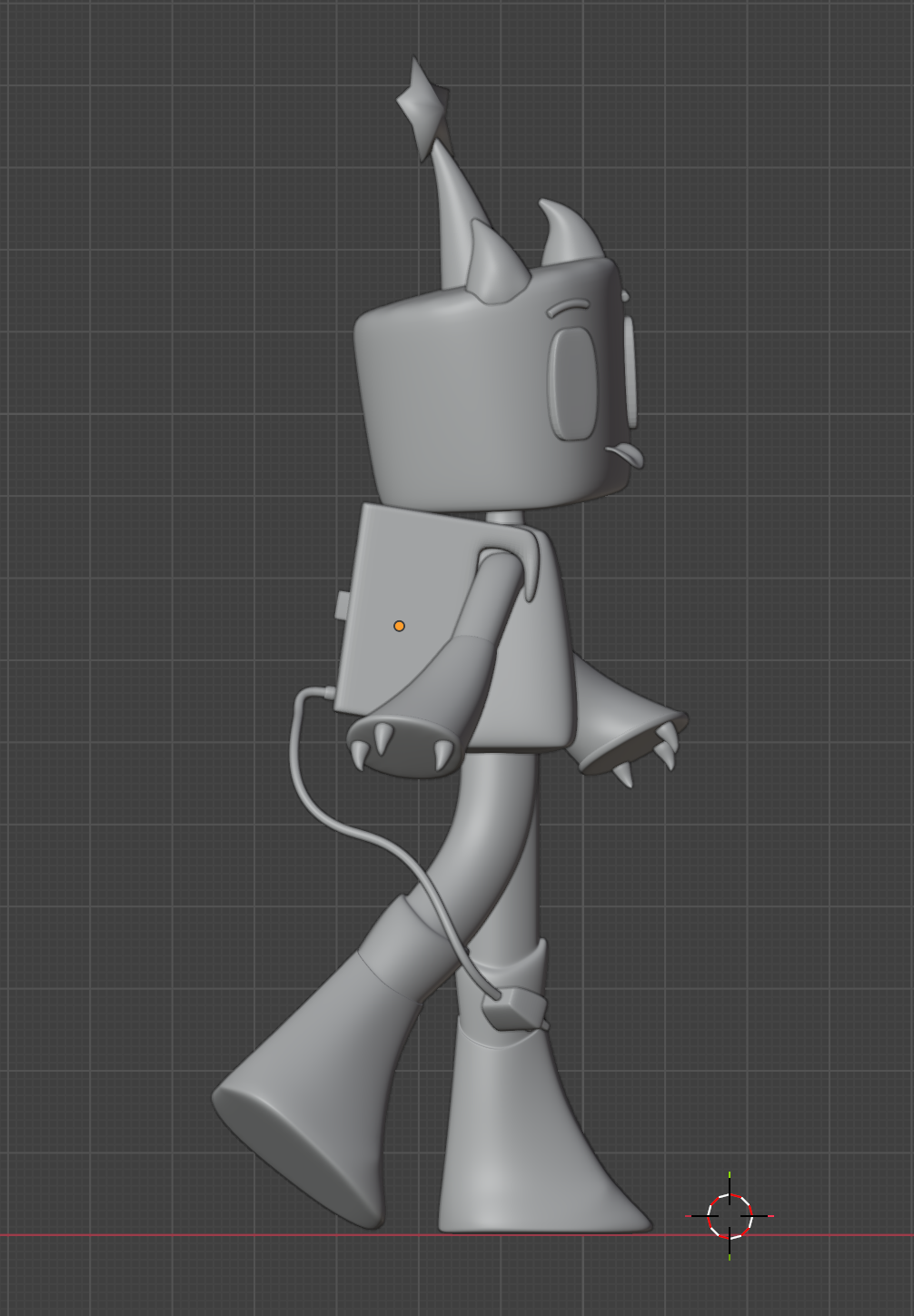
bananamatronic viewport.
ewk pc gift.
ewk pc render.
ewk pc render.
ewk pc viewport.
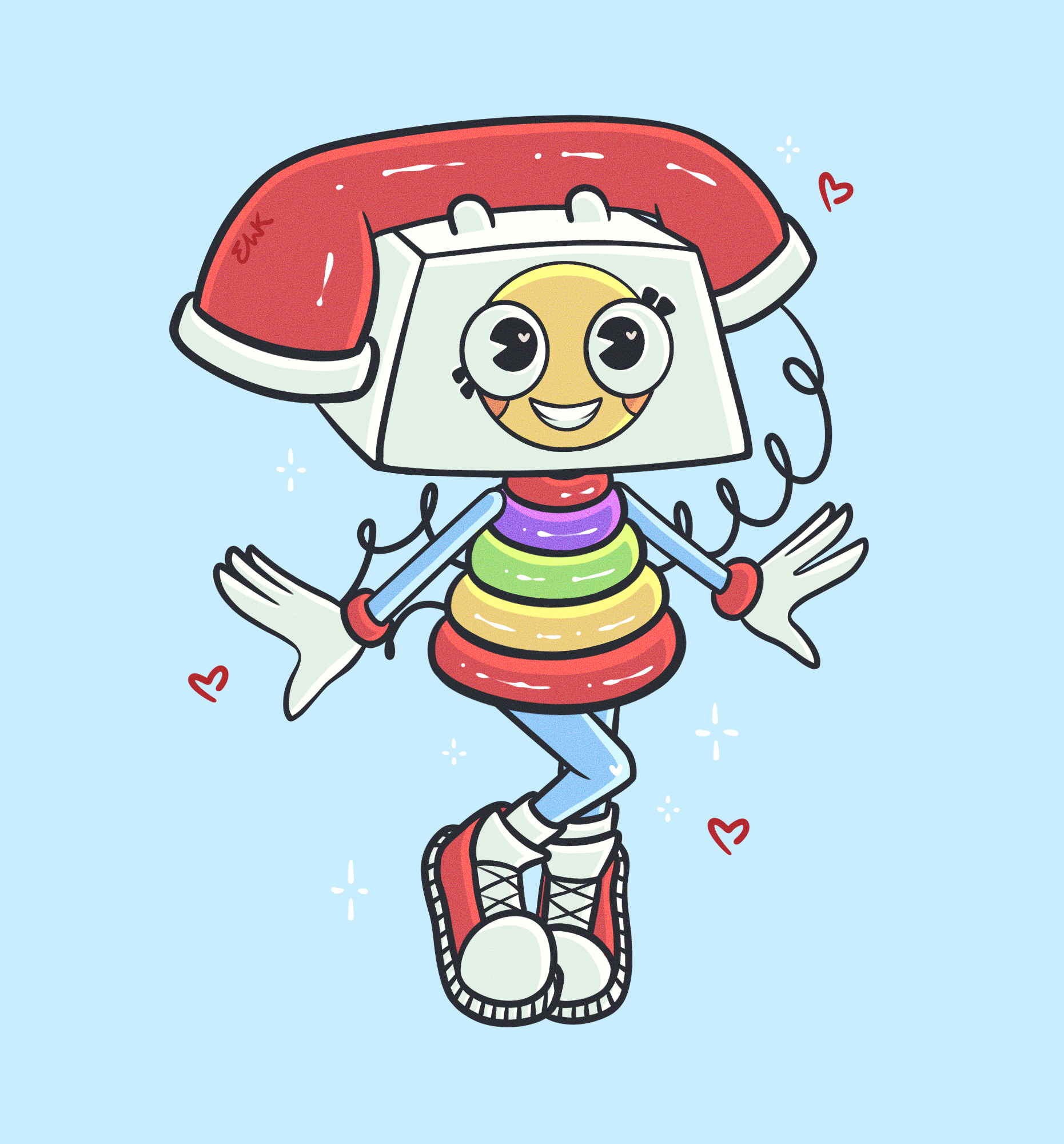
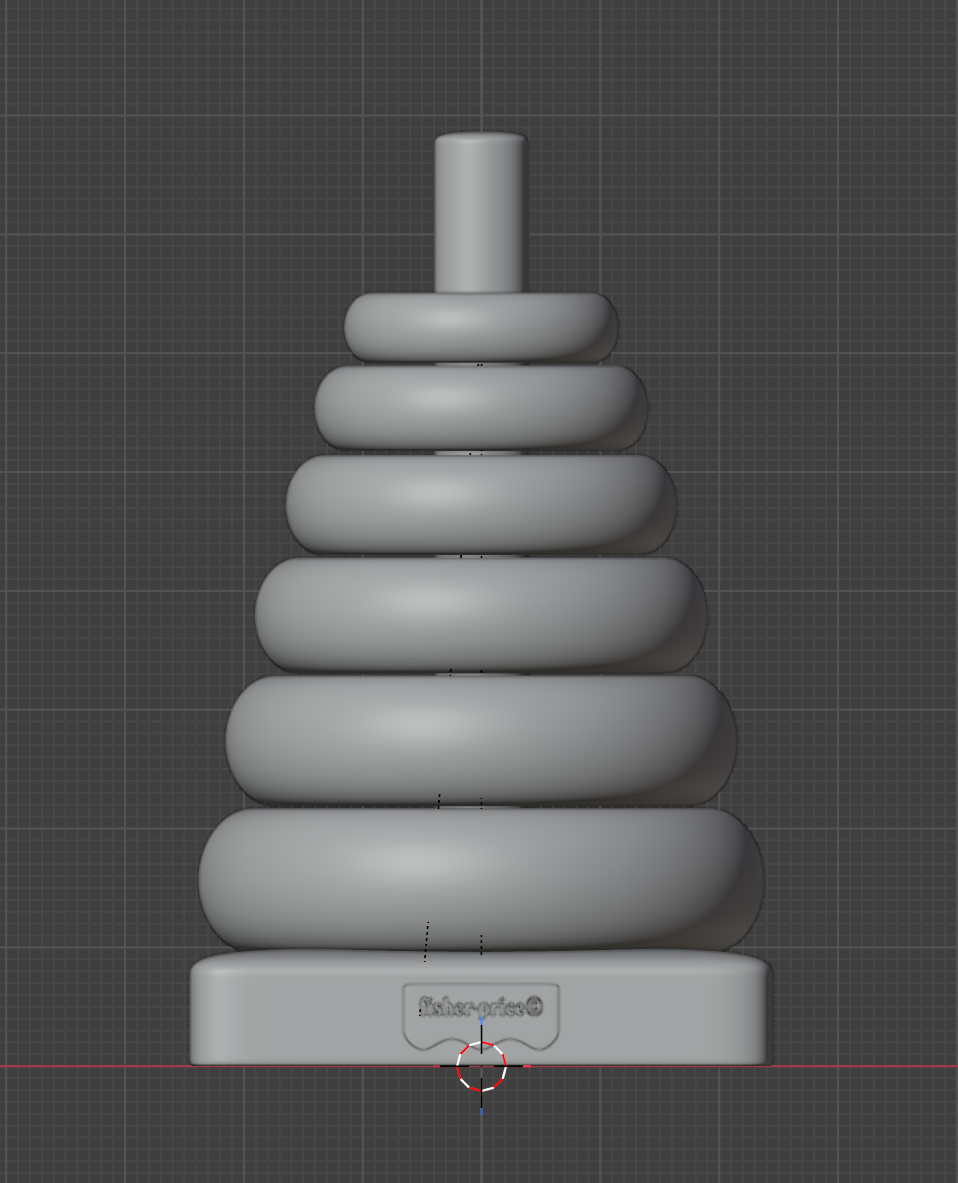
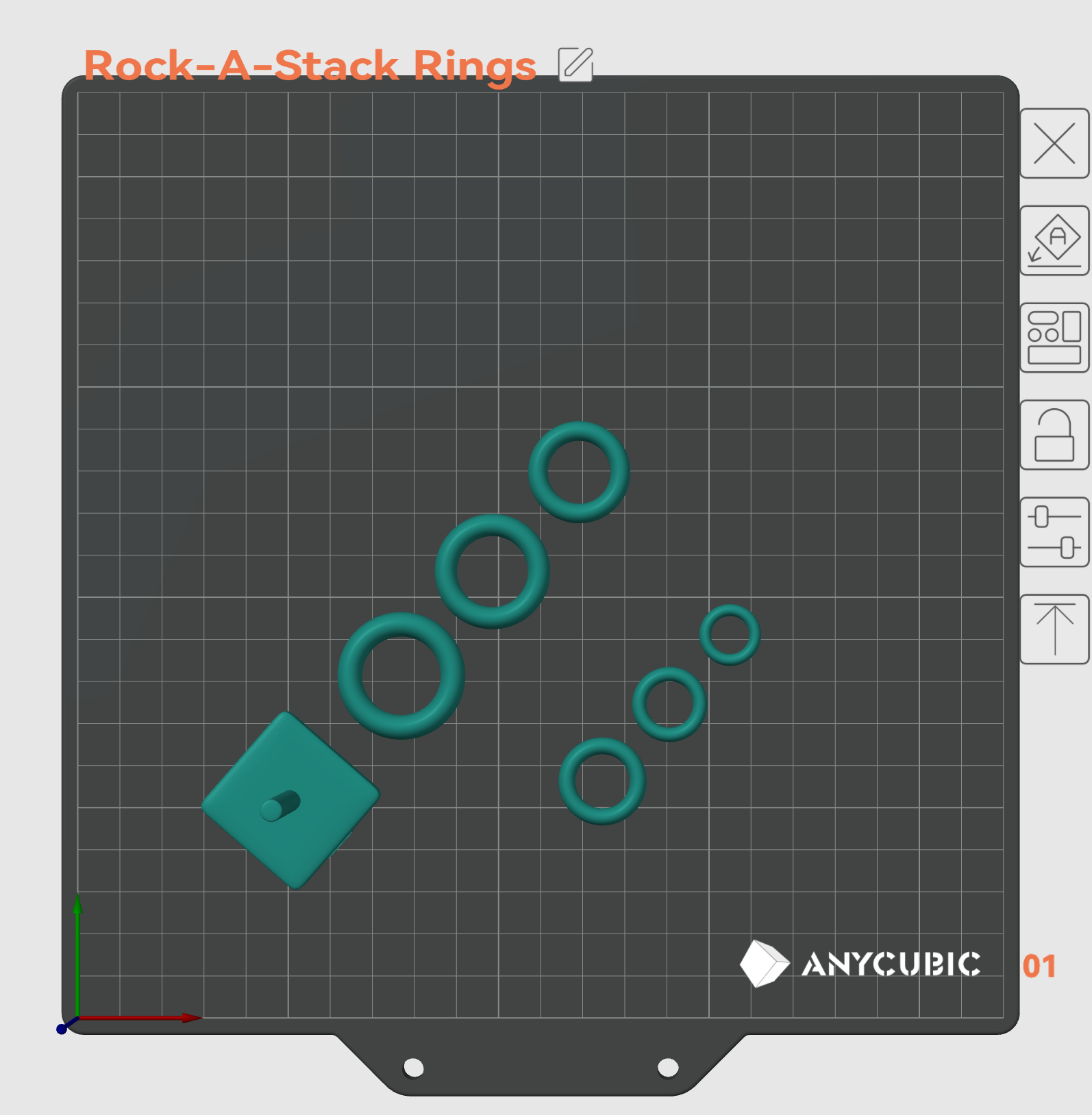
rock-a-stack rings gif.
rock-a-stack viewport.
rock-a-stack 3D print.
CASE STUDIES

Low-Poly EWK Computer

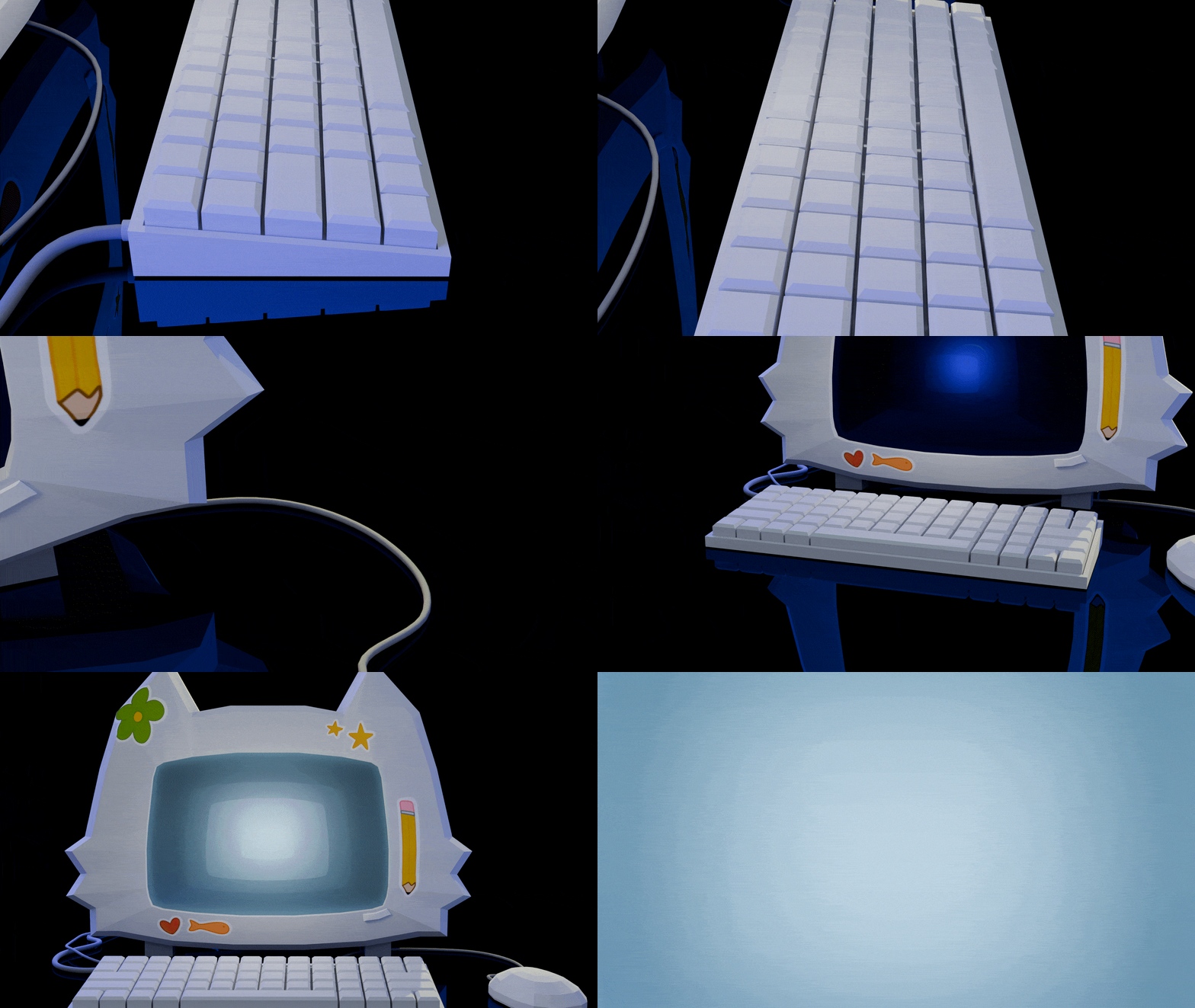
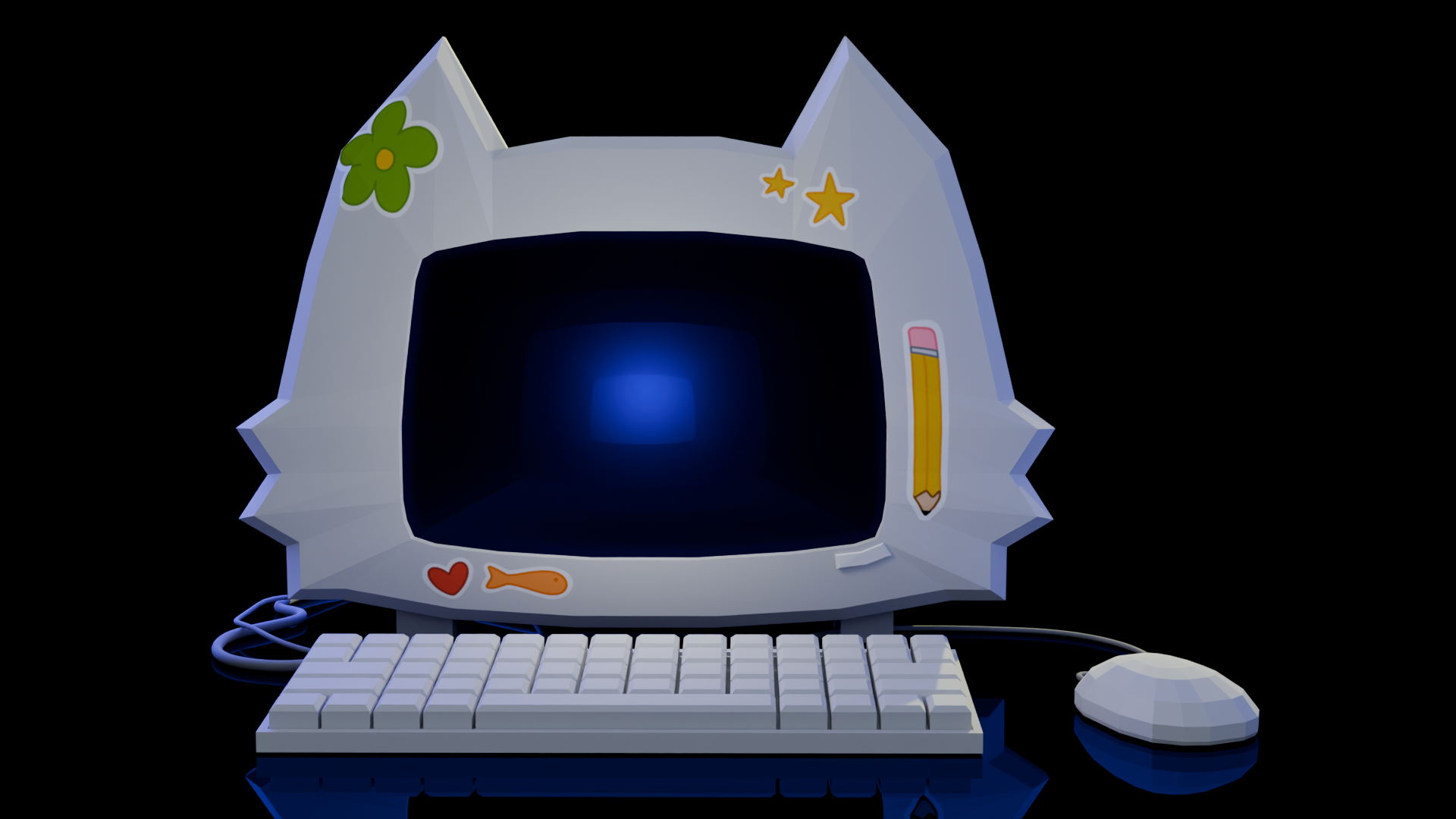
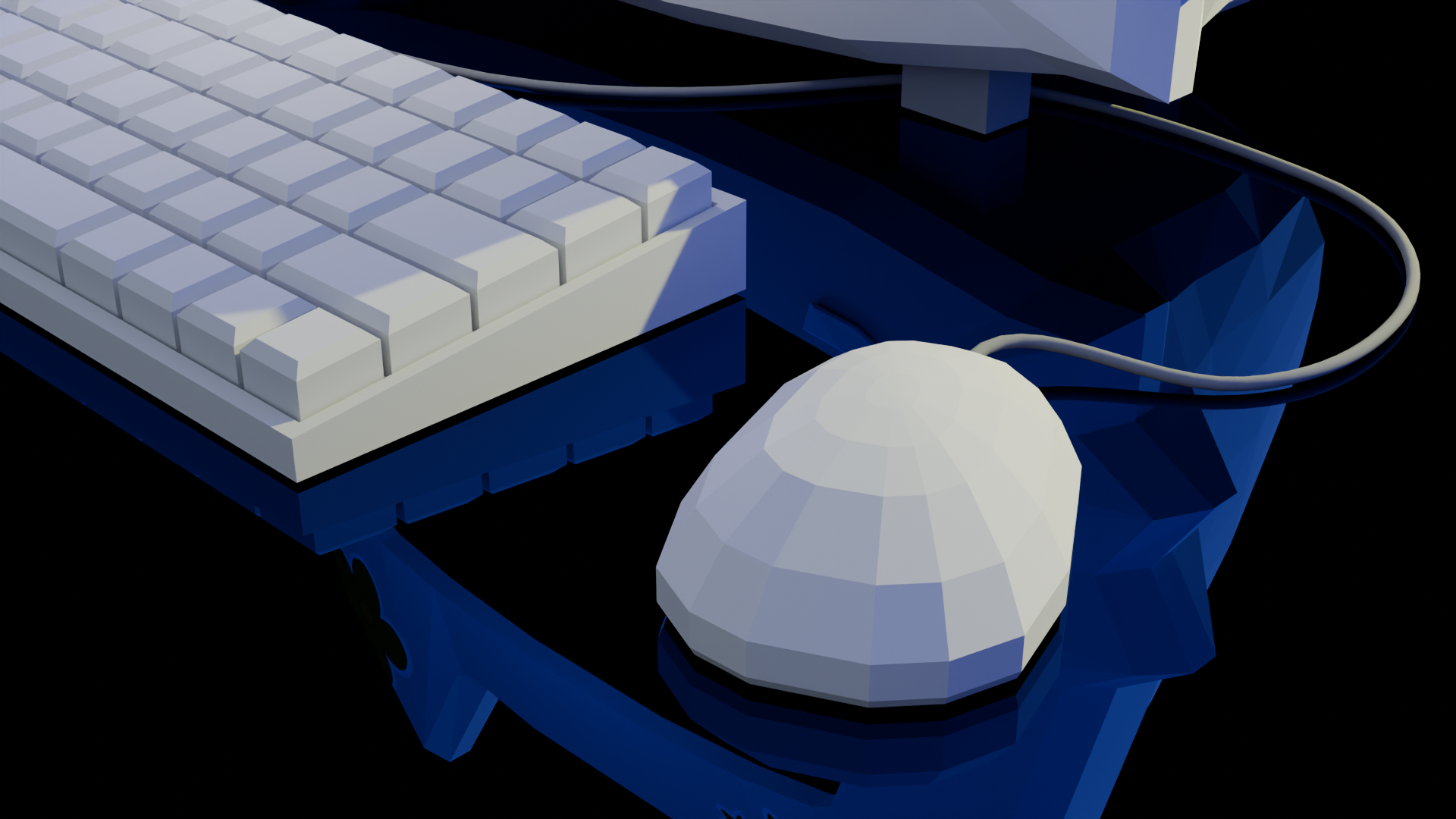
ewk computer animation ewk computer render ewk computer render ewk computer viewport

Project Type: 3D Modeling and Animating
Programs Used: Blender, Procreate, Adobe After Effects
Time: 3 Days

Project Overview:
The goal for this project was to create a 3D animation that promotes my brand and gives potential clients an impression of it. I designed a low-poly computer monitor that resembles my logo and mascot “Meowcrosoft,” and animated it to have the monitor turn on and showcase my logo as the loading screen.

Problem:
As a small artist that is most known for 2D illustrations, clients may not know that EWK is branching out to learn 3D modeling and animating.

Solution:
To showcase an animated 3D model as an introduction that EWK is expanding new mediums for their artwork.

Design Process:
1. Research & Inspiration
- finding references of old computer monitors
- compiling art of my mascot “Meowcrosoft”

2. Sketches & Storyboards
- sketching out design of computer monitor
- storyboarding key frames of the animation

3. Modeling
- creating the model of a monitor, keyboard, mouse, and cords
- marking seams in model in preparation for unwrapping
- unwrapping and rearranging planes on the UV map
- creating a simple background

4. Texture & Shading
- UV map uploaded in Procreate to paint
- creating materials for meshes and background
- adding lighting

5. Animating
- adding camera into scene
- moving camera and adding keyframes
- rendering animation
- uploading png sequence into After Effects to create an animation
- duplicating last frame to add in my logo transitioning in

Lesson’s Learned:
- Learned about the different animation techniques in Blender
- How to adjust lighting properties in Blender
- The importance of storyboarding an animation before execution

Conclusion:
This project has helped me develop a more effective workflow when it comes to modeling in Blender. It has also helped define my style in 3D and what I want to continue creating.


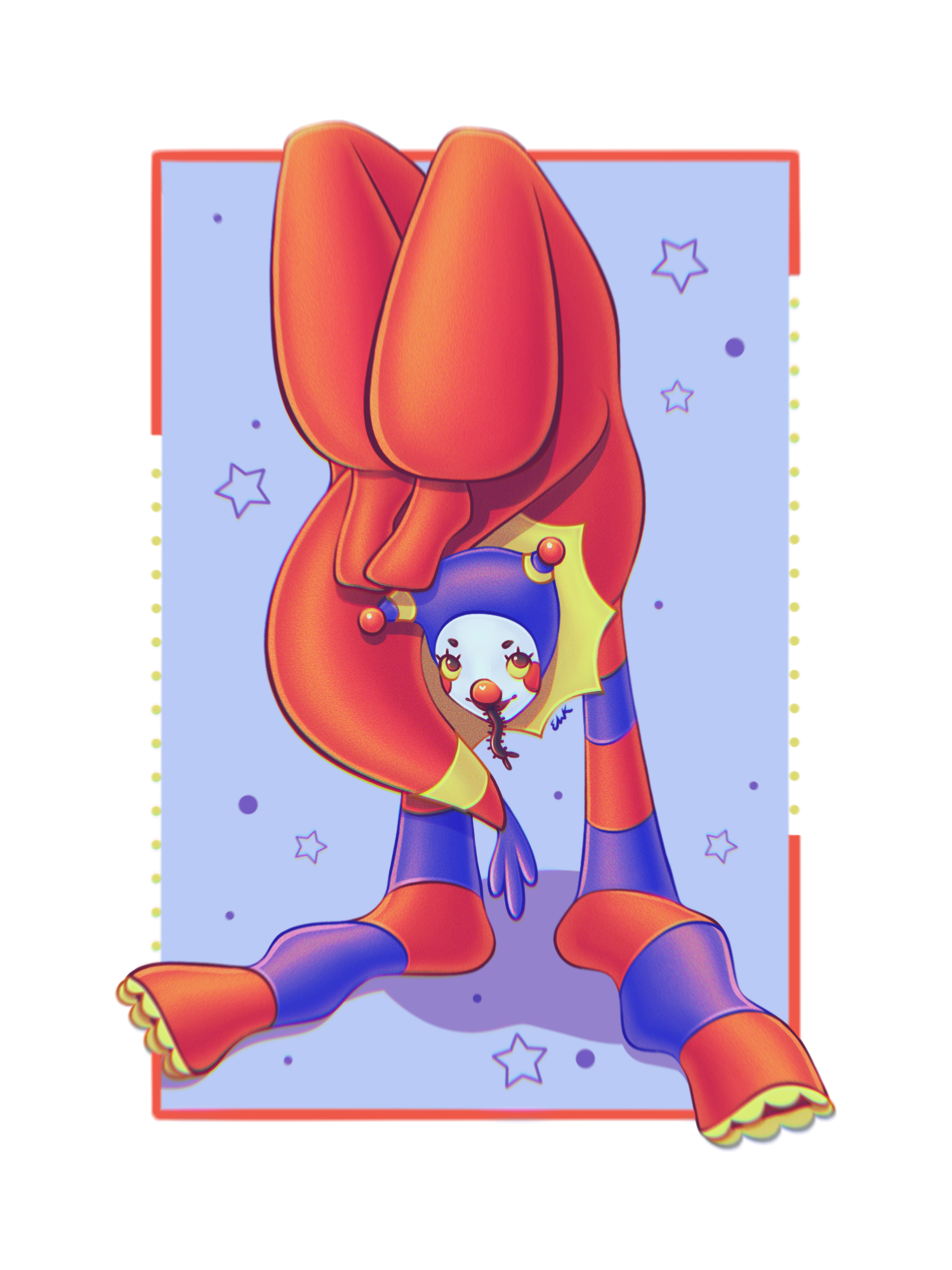
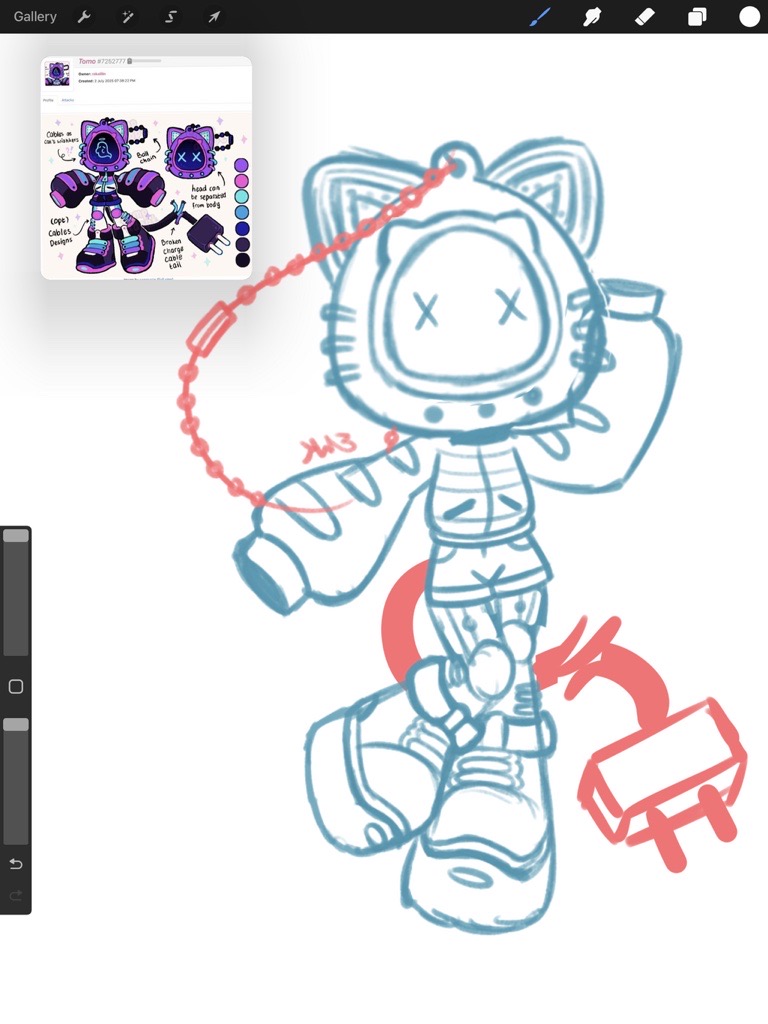
ArtFight Illustration – Tomo for @rokalilin

tomo_artwork tomo_sketch

Project Type: Character Illustration
Programs Used: Procreate
Time: 3 hours

Project Overview:
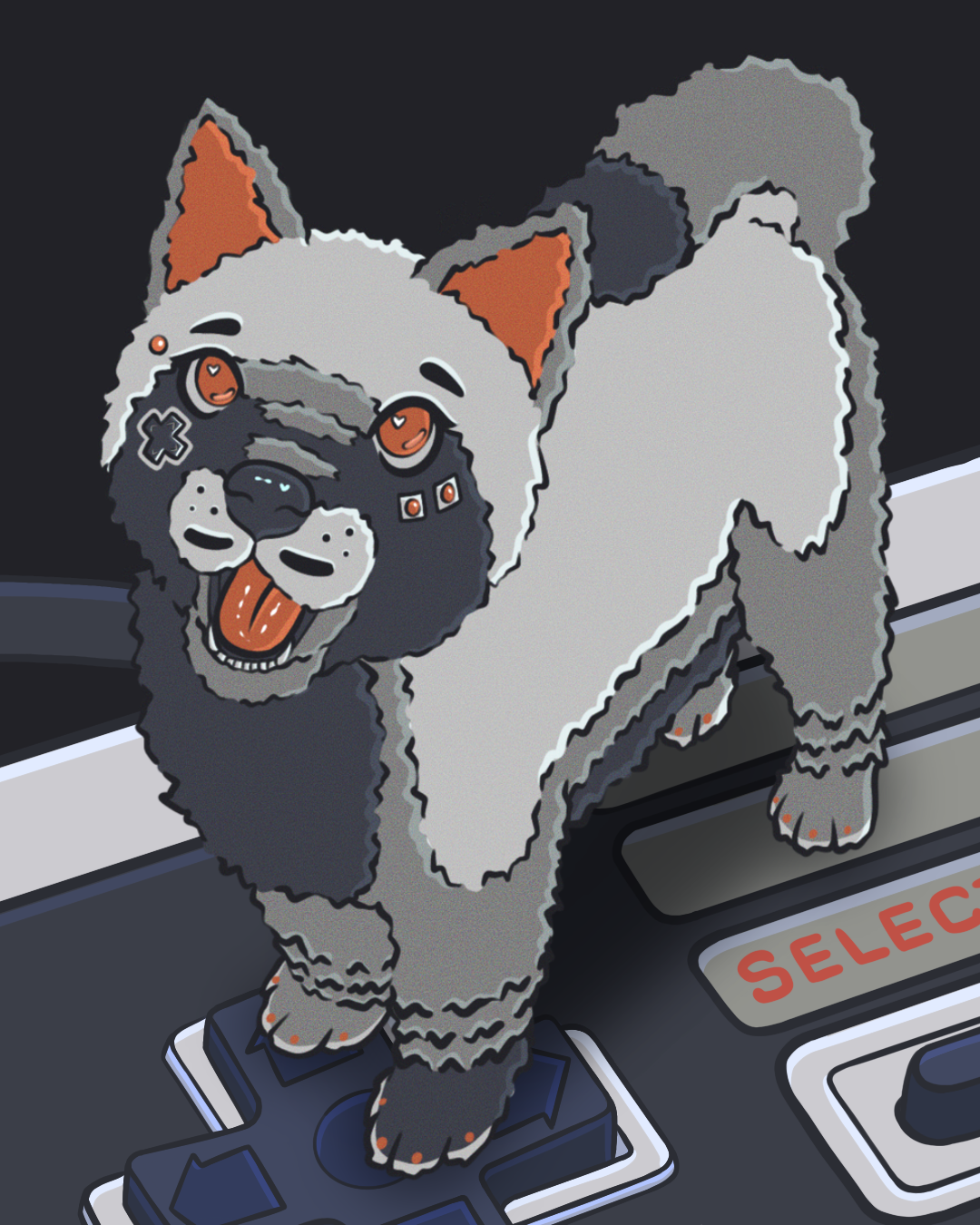
This project was one of my 2025 ArtFight attacks, I wanted to create an illustration of Rokalilin’s character. I was immediately drawn to their design, it’s nostalgic and so cute! The idea was to capture what make this character special and add my own personal style to it. I wanted to make sure the final piece was something Rokalilin would enjoy, and something that would stand out in the ArtFight battle as well!

Problem:
I needed to find a balance between staying true to this character’s design and making the pose feel dynamic and lively. Rokalilin’s character has some distinctive features, and I didn’t want to lose them when creating the artwork. I also wanted the illustration to be something that would show off the character’s personality and make the viewer feel something when looking at it.

Solution:
I took the time to really study the character’s design and figure out what made them stand out. Then, I worked on a pose that would highlight their most striking features and match their overall vibe. I made sure to keep their colors vibrant and played with lighting to give the illustration a sense of life. To top it off, I added a background that complements the character without stealing the spotlight. My goal was to capture the essence of Rokalilin’s character while creating a piece that felt both personal and thoughtful.

Design Process:
1. Research & Inspiration
- using the character sheet provided by Rokalilin
- finding other references of elements to further push my illustration

2. Sketches & Compostition
- sketching pose ideas
- planning out composition of illustration that leads the viewers eye to a focal point

3. Illustrating
- sizing up final sketch idea
- lining over sketch to create final line art
- flat colours for illustration
- cell shading to create depth and lighting
- completing with a simple background and watermark

Lesson’s Learned:
- How to work with darker colours and making them pop amongst a dark background
- Practicing on creating more dynamic poses and complex designs

Conclusion:
This project gave me a chance to practice working with a colour scheme I normally don’t play around with. I also adore creating any artwork based around things from my childhood and this character was perfect for that. Credits to Rokalilin on ArtFight for the character!


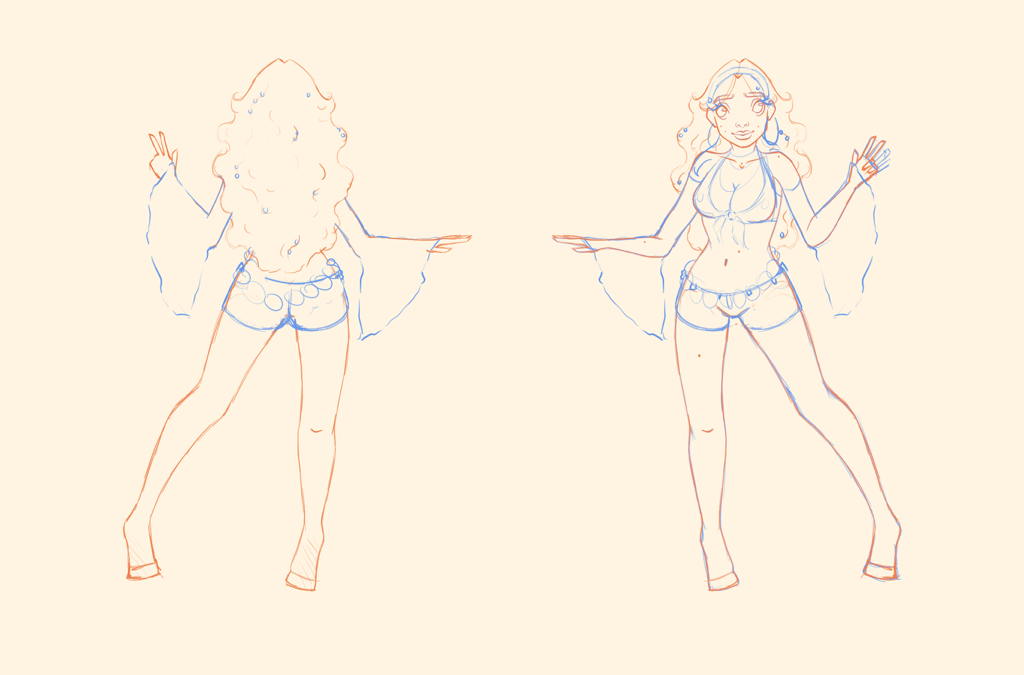
Character Sheet for Amber

amber character sheet amber flat colour amber sketch

Project Type: Character Sheet
Programs Used: Procreate
Time: 8 hours

Project Overview:
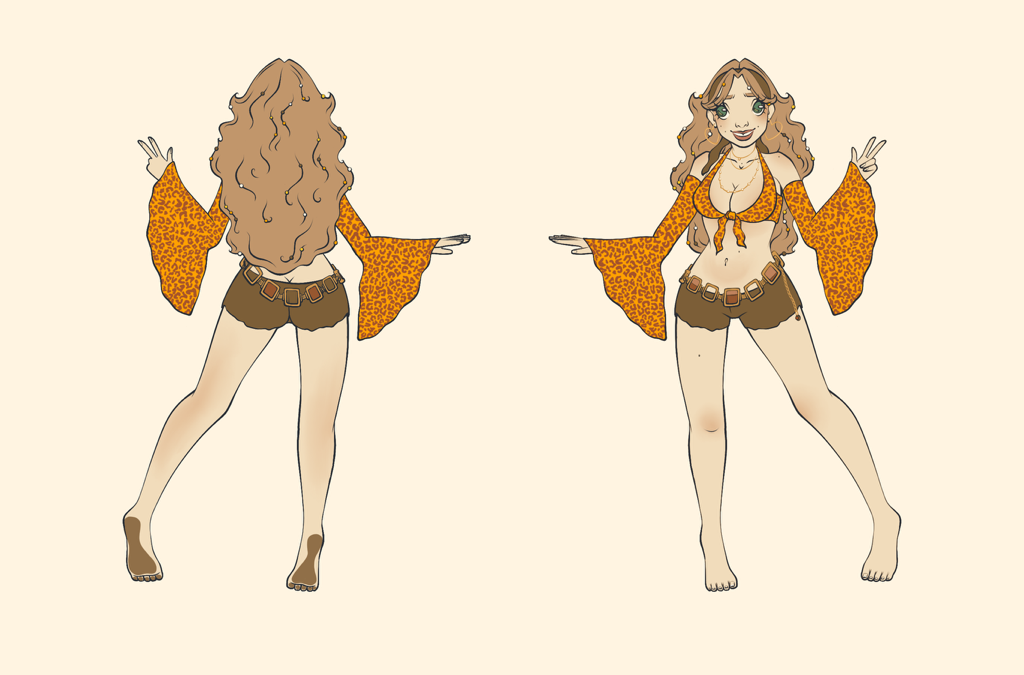
For this project, my goal was to create an updated character sheet for one of my OCs, Amber. I wanted to make a reference sheet that artists could easily use when drawing or referencing my character, especially for ArtFight.

Problem:
Amber didn’t have a proper character sheet—just a few illustrations people could reference. For ArtFight, I wanted to give artists a flat-colored, clear character sheet that would make it easier for them to draw her consistently.
Solution:
To create this character sheet, I focused on including both front and back views of Amber, along with her flat colours for easy eye-dropping. I also added a simple colour palette to keep things organized and a few design notes to explain key choices for her look.

Design Process:
1. Research & Inspiration
- compiling previous artwork of Amber
- creating a mood board of my characters aesthetic and wardrobe options

2. Sketches & Layout
- deciding on how I want the layout of my character sheet to look
- sketching out character pose, outfit, and updated design
- duplicating front view and flipping to create back view
- erasing features from back view to redraw them

3. Illustrating
- lining over sketch layer to create final line art
- blocking in flat colours of my character
- creating colour palette
- adding in character notes and watermark

Lesson’s Learned:
- Practiced the technique of creating the back view of a character using the front view
- The importance of not shading a character sheet, so that other artists don’t interpret colours in a different way then intended

Conclusion:
This project was great for pushing me to simplify my characters design and story. It also inspired me to create character sheets for my other OC’s in preparation for next years ArtFight.

SOCIAL MEDIA
CONTACT

Need to get in touch with me?
Send a message below or reach me on my socials!
I’ll try to respond as soon as possible. ♡

MEOWCROSOFT98